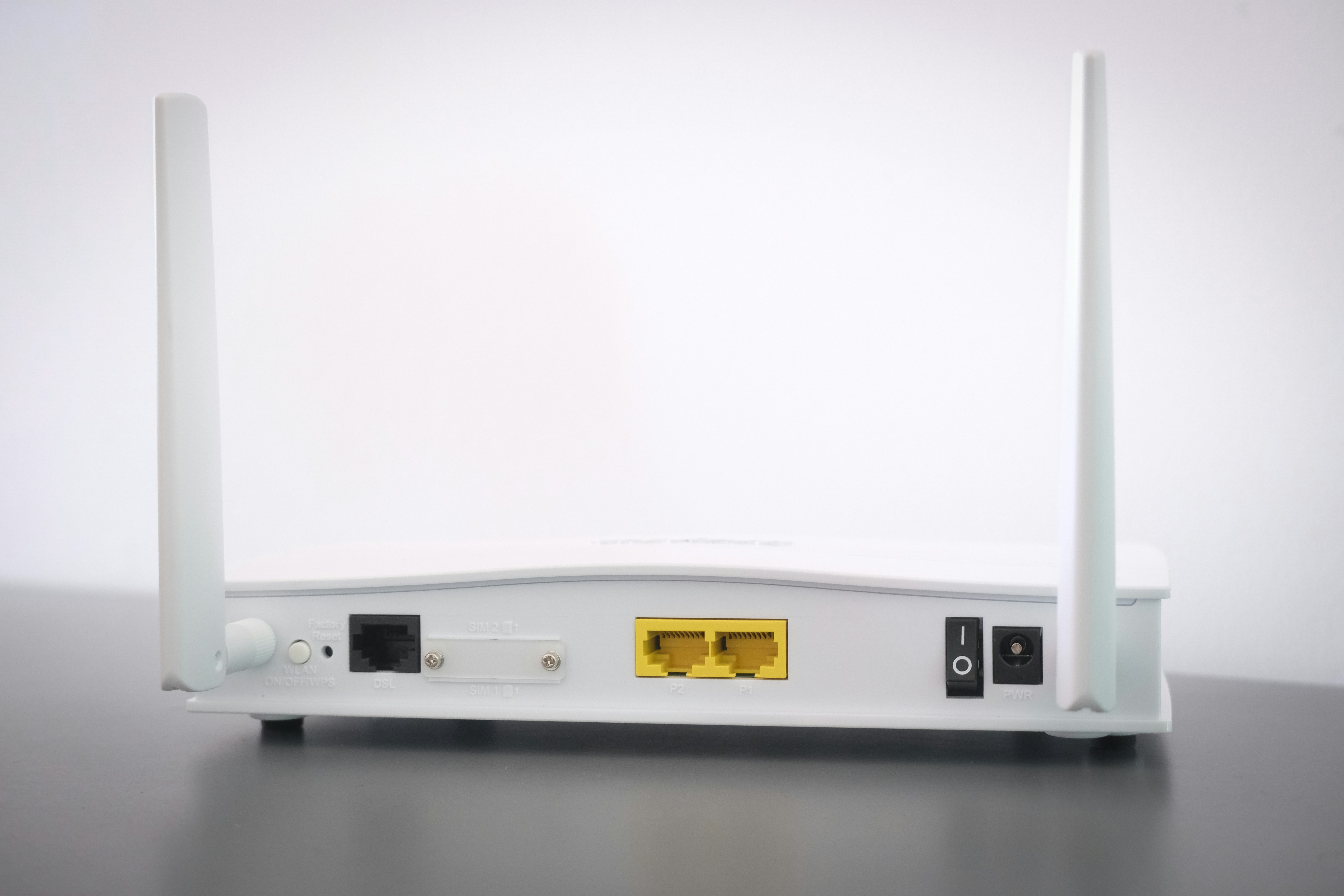
Move Your Router to a Central Location
One of the most crucial factors impacting your home internet speed and connectivity is the placement of your router. A router that is centrally located in your home tends to provide better coverage and improved internet speeds. When the router is positioned away from walls, electronic devices, and other obstructions, it can significantly reduce the potential for interference, which often leads to dropped connections or slow speeds.
To find an optimal location for your router, consider placing it in an elevated position, ideally on a shelf or a mounted bracket. Ensure that it is in a room that is central to where most of your internet usage takes place. This strategic placement minimizes the distance the signal has to travel to reach various devices in your home.
Additionally, keep the router away from thick walls and large furniture that could obstruct the signal. Household appliances such as microwaves and cordless phones can also interfere with the Wi-Fi signal, so it is advisable to position the router away from these devices. By doing so, you can enhance the connectivity and overall performance of your internet service.
In summary, the location of your router plays a pivotal role in determining the quality of your internet connection at home. By moving your router to a central location and ensuring it is free from obstructions, you can effectively reduce dead zones and improve your internet speed, providing a more seamless online experience for all users in your household.
Reduce the Number of Connected Devices
One of the key factors influencing internet speed within a home network is the number of devices connected at any given moment. Each device, whether it’s a smartphone, tablet, laptop, or smart home appliance, requires a portion of the available bandwidth provided by your internet service provider (ISP). Bandwidth is essentially the capacity of your internet connection, and it can become congested when too many devices attempt to access it simultaneously, leading to significant slowdowns in connectivity.
To enhance your internet speed, it’s prudent to evaluate the number of devices connected to your network. Begin by conducting an audit of all connected devices. This can usually be done via your router’s web interface, which often displays a list of devices currently online. Once you have identified these devices, consider disconnecting or turning off those that are unnecessary, particularly during peak usage times. Devices that may be idle or infrequently used—such as gaming consoles or smart TVs—should be given special consideration for disconnection.
In addition to disconnecting unused devices, prioritizing essential devices can also help improve overall speed. Many routers offer Quality of Service (QoS) settings, which enable users to allocate more bandwidth to specific devices or applications that require a stronger connection, like video conferencing or online gaming. By managing your bandwidth in this manner, you can significantly reduce interference from other connected devices, thus enhancing the experience of crucial online activities.
Ultimately, maintaining an efficient number of connected devices is vital in ensuring that your home internet remains fast and reliable. By reducing the number of devices and effectively managing bandwidth distribution, you can achieve a noticeable improvement in your connectivity speed.
Understanding Internet Speed Tests
Assessing your current internet speed is a crucial step towards identifying connectivity issues. The process begins with running a speed test, which can be accomplished using various online platforms. Simply search for “internet speed test” in your preferred search engine, and you will find several reputable tools. Popular choices include Ookla’s Speedtest, Fast.com, and Google’s own speed test feature. Once you’ve selected a tool, click on the ‘Go’ or ‘Start’ button to begin the test. The test typically measures three critical components: download speed, upload speed, and ping times.
Download speed indicates how quickly data is transferred from the internet to your device, while upload speed measures how fast you can send data from your device back to the internet. Both speeds are expressed in megabits per second (Mbps). A high download speed is essential for activities such as streaming videos, online gaming, and large file downloads. Conversely, a robust upload speed is vital for video conferencing and sending large files.
Ping time, measured in milliseconds, reflects the latency between your device and the server. Lower ping times indicate a faster response, which is particularly important in real-time applications like gaming. Typically, a ping under 20 ms is considered excellent, while anything over 100 ms could result in noticeable lag.
After running the test, compare the results to the speed promised by your ISP. If your download and upload speeds fall significantly below the expected levels, it might be time to troubleshoot further. Repeatedly slow speeds, especially during peak hours, could warrant contacting your ISP for assistance. They may provide insights or enhancements that can rectify the situation and optimize your internet connectivity.
Check Your Cables and Connections for Issues
For optimal internet performance, it is crucial to ensure that all cables and connections are in good condition. Often overlooked, faulty cables can significantly degrade the quality of your internet connection and slow down your speeds. Common signs of issues with your cables include frayed or damaged insulation, loose connectors, and visible bends or kinks. These physical indicators can lead to various connectivity problems, resulting in frustrations like buffering or dropped connections.
To inspect your cables systematically, begin at the modem and extend your examination to each connection point, including routers, switches, and wall sockets. As you inspect your cables, it’s important to note any damaged areas and the overall appearance of connectors. A quick visual check is usually sufficient; however, for more thorough testing, consider using a cable tester that can diagnose specific faults or issues in your wiring.
If you find any cables that are degraded or not functioning properly, you have two options: repair or replace. For minor issues, such as cuts in the insulation, electrical tape can serve as an immediate fix, ensuring a temporary solution until a permanent one is in place. However, if a cable is severely damaged or worn out, replacing it may be the best course of action. When replacing cables, choose high-quality options designed for your specific internet service needs, as using subpar materials can lead to similar issues in the future.
In summary, the condition of your cables is vital for maintaining a strong and fast internet connection. Regularly checking, maintaining, and replacing your cables as needed will help to ensure that your home network operates at its peak performance, ultimately enhancing your internet experience.
Leave a Reply